Build a reliable S3 or R2 backup routine
Design a recovery-ready backup process with isolated storage credentials, encrypted artifacts, sensible retention, and restore drills that prove your data is usable.

Fluxo team
Product and operations
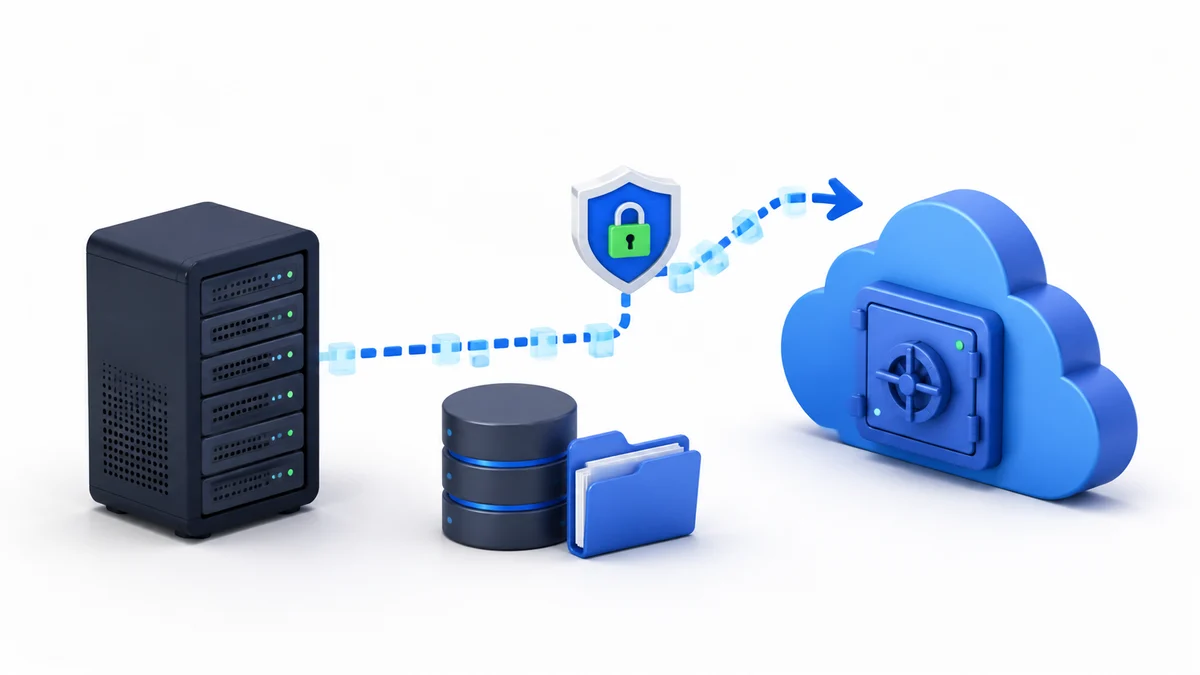
A completed backup job is not the same thing as a recoverable application. Recovery depends on what was captured, where the artifacts are stored, whether you can still access them during an incident, and whether anyone has recently restored them successfully.
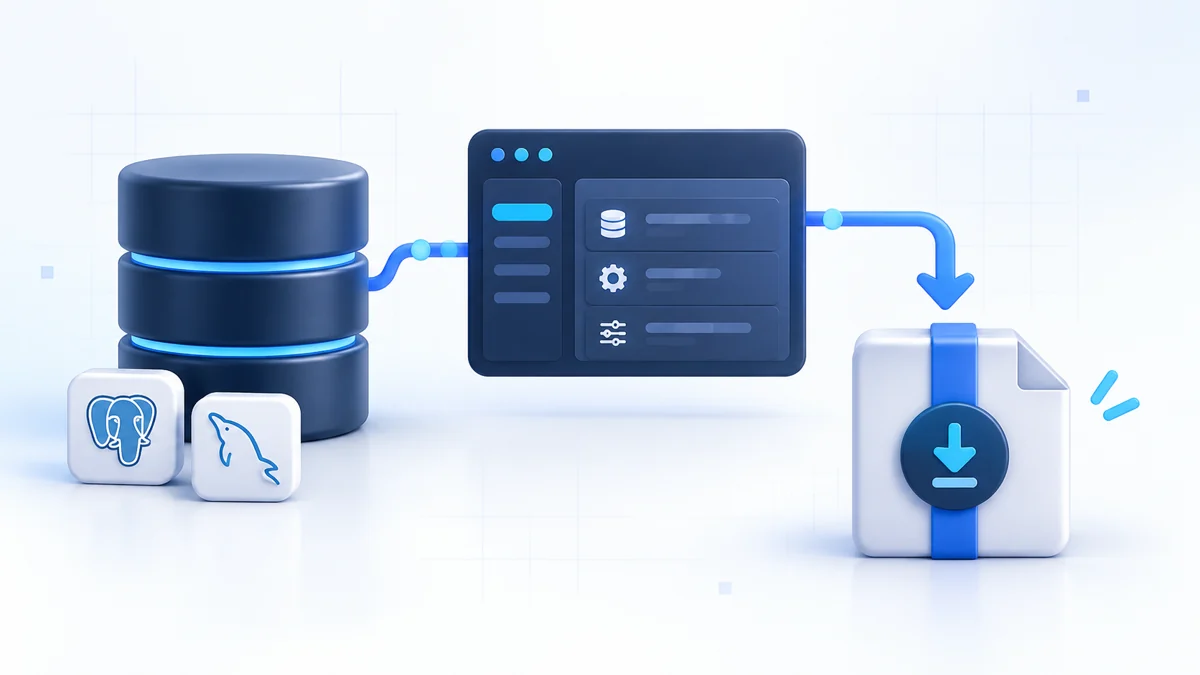
Fluxo organizes backups into three layers: reusable S3-compatible destinations, per-site backup plans, and an immutable history of runs and artifacts. This guide turns those pieces into a practical recovery routine.
Start with recovery objectives
Before choosing a schedule, answer two questions:
- How much data can the application afford to lose? This is the recovery point objective, or RPO. A daily backup can lose almost 24 hours of changes.
- How long can recovery take? This is the recovery time objective, or RTO. Large archives, slow downloads, missing credentials, and an undocumented restore process all extend downtime.
A small marketing site may tolerate a daily backup and several hours of recovery. A busy transactional system may need more frequent database protection and a much faster tested procedure. Fluxo supports scheduled snapshots every 6 hours, every 12 hours, daily, weekly, or manual-only; select the frequency based on real data loss tolerance rather than convenience.
Separate the backup failure domain
Backups should survive the event that destroys or locks you out of the server. A bucket in a separate cloud account is stronger than a bucket controlled by the same root credentials, email account, and recovery channel as the VPS.
For the storage account:
- Enable multi-factor authentication.
- Store recovery codes somewhere independent.
- Use a private bucket.
- Restrict the access key to the chosen bucket and prefix.
- Keep billing and expiry alerts active.
- Avoid using an organization-wide administrative key.
The goal is simple: compromising the web server should not automatically grant the ability to erase every recovery point.
Connect Cloudflare R2 or Amazon S3
Open Storage > Backups and select Add Destination.
For Cloudflare R2, provide:
- A recognizable destination name
- Bucket name
- Cloudflare account ID
- Jurisdiction when the bucket uses one
- Optional object prefix
- Access-key ID and secret
Create an R2 token with Object Read & Write permission restricted to the backup bucket. Do not use a broad account token when a bucket-scoped credential will work.
For Amazon S3, provide the destination name, bucket, region, and optional prefix. Authenticate with dedicated access keys or an AWS credential chain available to the server, such as a carefully scoped instance role.
Prefixes are useful when one bucket holds backups from several environments. A structure such as production/server-a/ makes ownership clear and allows policies to be narrowed. Changing the prefix affects future backups only, so retain access to the old prefix until its recovery points have expired.
Understand the destination test
Fluxo tests a destination by writing a temporary object, reading it, and deleting it. That verifies the minimum lifecycle needed for backup creation, retrieval, and retention cleanup.
A successful test confirms the credentials and network path work at that moment. It does not confirm that a future archive contains the right files or that the database can be restored. Keep destination testing and restore testing as two separate controls.
Fluxo encrypts stored destination credentials and never returns their secret values through the API. Still, treat the server as sensitive because a running backup service must be able to use those credentials.
Build the per-site backup plan
A plan connects one site to one destination. It selects:
- Site files, attached databases, or both
- Schedule and start hour in the server’s timezone
- Retention profile
- Optional artifact encryption
- Enabled or paused state
For most stateful applications, include both files and databases. A database-only recovery will be incomplete if user uploads are local. A file-only recovery will be incomplete if the application’s records live in MySQL or PostgreSQL.
File archives focus on persistent application and configuration data. Fluxo excludes Git metadata, Node dependencies, caches, logs, and old release directories because those are normally reproducible or operational noise. Every selected database is dumped into a separate artifact, making it possible to recover a specific datastore deliberately.
Schedule the job away from known traffic peaks and intensive application work. A backup can add disk I/O, CPU use, database read pressure, temporary storage, and outbound network traffic. The server timezone controls the configured start hour, so confirm it before assuming “02:00” means local business time.
Choose retention by recovery value
Fluxo provides three retention profiles:
| Profile | Intended coverage |
|---|---|
| Minimal | 7 most recent runs and 7 daily recovery points |
| Recommended | Recent runs plus 14 daily, 8 weekly, and 6 monthly points |
| Extended | Recent runs plus 30 daily, 12 weekly, and 12 monthly points |
Completed runs use unique object paths and are not overwritten. This matters because corruption, accidental deletion, and compromised credentials are often discovered after the newest snapshot has already captured the bad state.
Use Recommended as a sensible baseline for a production application unless storage cost or policy indicates otherwise. Choose Extended when changes can go unnoticed for weeks, audit expectations are higher, or rebuilding historical records would be expensive.
Retention is not immutability. If the active credential can delete objects, an attacker using that credential may be able to remove old backups. Consider storage-side versioning, retention locks, or an additional independent backup layer when the risk justifies it.
Encrypt artifacts with an independent password
Fluxo can encrypt every file archive and database dump with OpenPGP symmetric AES-256 encryption. You can provide a password or generate one in the dashboard.
The password is encrypted in Fluxo’s local database so scheduled jobs can use it. Plaintext temporary artifacts are removed before upload, and the password is never returned through the API.
Store the password in an independent password manager. Do not keep the only copy on the server being backed up. Fluxo cannot recover a forgotten artifact password from a downloaded .gpg file.
Password changes affect future runs only. Older artifacts still need the password that protected them when they were created. Keep a small recovery register that maps password versions to date ranges without placing the passwords themselves in an ordinary runbook.
Encryption protects artifacts from someone who can read the bucket but does not replace bucket permissions, account security, or transport security.
Run the first backup manually
After creating the plan, use Back up now rather than waiting for the first schedule. Watch the run move through queued, running, and completed states.
Check:
- The expected file archive exists.
- Every attached database selected by the plan produced its own artifact.
- Total size is plausible for the application.
- The run contains no warnings or errors.
- A short-lived download URL can be generated.
- The object appears under the expected bucket prefix.
A surprisingly tiny archive can be as important as a failed run. It may indicate the state you care about is stored outside Fluxo’s included paths.
Failed run records remain for 30 days. Investigate repeated failures instead of relying on the presence of older successful points.
Perform a real restore drill
Fluxo provides controlled artifact download rather than a one-click in-place restore. That is intentional: restoration should make the target path, ownership, downtime, and schema compatibility explicit.
For an encrypted download, decrypt on a secure recovery workstation or target server:
gpg --output site-files.tar.gz --decrypt site-files.tar.gz.gpg
gpg --output mysql-app.sql.gz --decrypt mysql-app.sql.gz.gpg
GnuPG prompts for the plan password. After decryption:
- Inspect the archive listing before extracting it.
- Restore files into a temporary or staging path, not over production immediately.
- Create an empty test database with a dedicated test account.
- Import the database dump with the appropriate MySQL or PostgreSQL tool.
- Configure a non-production copy of the application to use the restored state.
- Verify uploaded files, authentication, a database-backed workflow, and background-job assumptions.
- Record the elapsed time and every manual dependency.
Do not log production secrets or leave decrypted artifacts on an unmanaged workstation. Remove recovery copies after the drill according to policy.
The first drill often uncovers the real gaps: a missing encryption password, an upload directory outside the archive, an undocumented database extension, or a restore that takes much longer than expected.
Rotate credentials without breaking recovery
Use destination-specific access keys and rotate them deliberately:
- Create the replacement credential with the same narrow bucket and prefix access.
- Update the Fluxo destination.
- Run the built-in destination test immediately.
- Queue a manual backup and download one artifact.
- Revoke the previous credential only after the new path is proven.
Do not delete or rename the old bucket prefix during routine rotation. Existing recovery points remain subject to the storage layout and encryption password used when they were created.
Monitor the backup system
Make backup review a scheduled operational task. At least monthly:
- Confirm every enabled plan has recent successful runs.
- Compare artifact sizes with prior runs for unexpected changes.
- Investigate destination authentication or quota failures.
- Check that the storage account and billing remain active.
- Confirm retention is producing daily, weekly, and monthly history as expected.
- Download and decrypt a recent artifact.
- Run a fuller restoration drill on a cadence appropriate to the application.
An external alert or calendar reminder is valuable because the dashboard cannot notify you if the entire server is unreachable.
Respond to an incident methodically
During recovery, preserve evidence and avoid making the only remaining copy worse.
- Determine whether the production server and credentials may be compromised.
- Protect the storage account and rotate access if necessary.
- Select a recovery point from before the damaging event.
- Retrieve all file and database artifacts needed for that same point in time.
- Restore into a clean target environment.
- validate data, application configuration, DNS, certificates, and background services.
- Move traffic only after the restored application passes a defined smoke test.
Keep the original artifacts until recovery and incident review are complete.
A dependable backup checklist
A production-ready plan should satisfy all of these statements:
- The bucket is private and lives outside the server’s failure domain.
- Storage credentials are least-privilege and scoped to the intended prefix.
- Destination read, write, and delete operations pass.
- Site files and every required database are included.
- The schedule meets the application’s data-loss tolerance.
- Retention includes older daily, weekly, or monthly points.
- Artifact passwords are stored independently and version history is understood.
- A recent artifact has been downloaded, decrypted, and restored.
- Recovery time has been measured rather than guessed.
- Someone will notice when scheduled runs stop succeeding.
Backups become valuable only when they form a complete, rehearsed recovery system. Fluxo automates capture, encryption, retention, and retrieval; the restore drill is what turns that automation into confidence.